Instagram Video Downloader
Free online Instagram video and Reels downloader without watermark. Save full HD MP4 videos and photos fast.
How to Download Instagram Video and Reels in HD
-
Step 1: Copy the Instagram Link
Open Instagram, find your favorite Reel, video, or photo, tap the three dots, and choose Copy Link.
-
Step 2: Paste the Link into SaveTT
Open SaveTT in your browser and insert the copied link into the search box above.
-
Step 3: Save HD Video to Your Device
Click Download, select your preferred video or photo format, and save it to your device.
SaveTT Instagram Downloader Features
Reels & Feed Videos
Download Instagram Reels, story clips, and feed videos in high-definition quality.
Photos & Carousels
Save individual photos or grab all pictures from multi-slide carousel posts.
All Devices Supported
Compatible with iPhone, Android smartphones, Windows PCs, and Mac systems.
100% Free Forever
Enjoy limitless downloads without membership tiers, accounts, or payment requirements.
Strict Privacy
We do not store your media files, track download history, or log user data.
Direct Browser Tool
Use SaveTT entirely inside your web browser without installing third-party apps.
SaveTT is a versatile, free instagram video downloader designed to save Reels, feed videos, and high-resolution photos. Whether you want to download instagram video content for offline watching or keep memorable media, SaveTT delivers fast results. You can easily save instagram video files directly to your smartphone or personal computer.
Top-Tier Instagram Reels Downloader
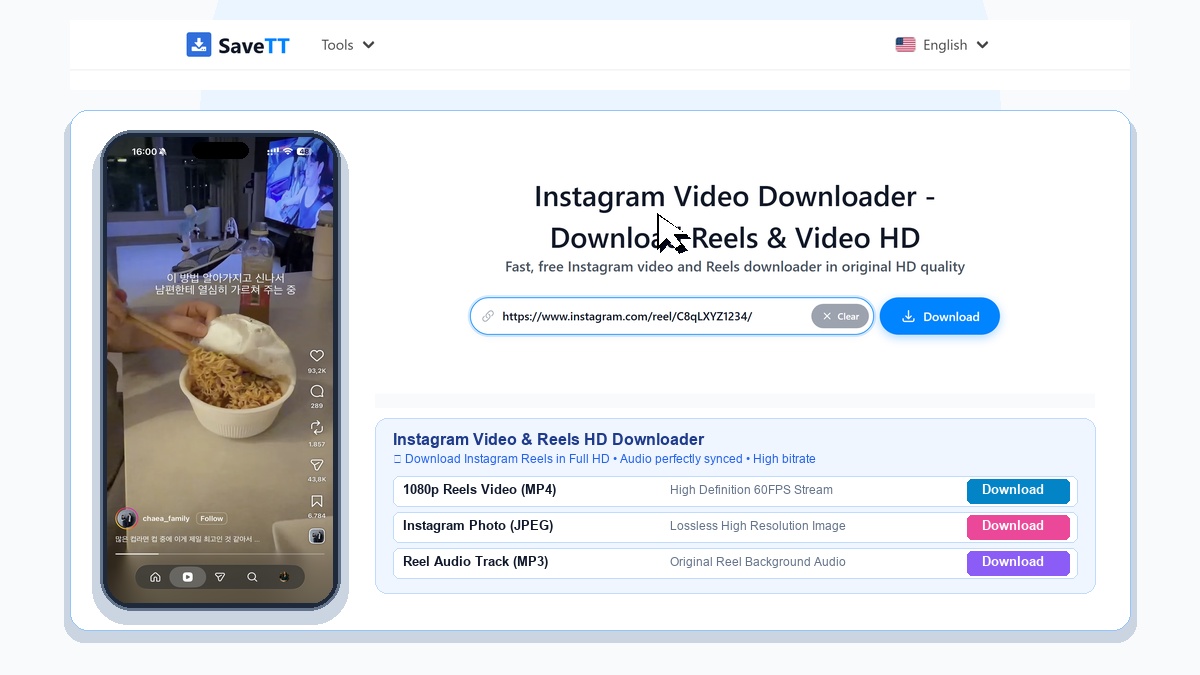
Instagram Reels have become a primary source of short-form entertainment, travel inspiration, and creative ideas. Our dedicated instagram reels downloader strips away distracting interface elements. You can download instagram reels in original resolution with vivid color and crisp sound.
Every instagram video download hd matches the finest bitrate offered by the source server. If a post features photos or albums, our built-in instagram photo downloader lets you save each individual image effortlessly.
How to Save Instagram Media Step by Step
- Copy the link: Open the Instagram app or website, locate the post, tap the three dots menu, and select Copy Link.
- Paste on SaveTT: Open your browser, visit SaveTT Instagram Downloader, and paste the URL into the input field.
- Save your file: Hit Download, choose between MP4 video or JPG images, and save the content to your storage.
Moving Instagram Videos to iPhone Photos App
When downloading videos on iOS with Safari, files are typically saved to the Files app. To move your downloaded video to your camera roll, tap the downloaded file in Safari, tap the Share icon, and select Save Video.
Real Service Limitations
We believe in honest service boundaries and clear user expectations:
- Public Accounts Only: SaveTT can only download media from public Instagram accounts. Posts from private profiles cannot be retrieved.
- Deleted Posts: If a creator has removed a post or Instagram has taken it down, our system cannot recover the file.
- Original Upload Resolution: Downloaded quality reflects the original source. We cannot upscale low-resolution uploads into 4K video.
Privacy Protection and Zero Data Logging
Your privacy is respected at every step. SaveTT does not archive user media, save account profiles, or track personal download activities. For more details, explore our Privacy Policy and About Us page.
Discover Other SaveTT Media Downloaders
Looking to save content from other social channels? Try our TikTok Video Downloader, save trending tunes with our TikTok MP3 Downloader, or grab stories with our TikTok Story Downloader. We also support Threads Downloader and Douyin Downloader.