Threads Video Downloader
Free online Threads video downloader without watermark. Save public Meta Threads videos and photos in HD quality.
How to Download Threads Video Without Watermark
-
Step 1: Copy the Threads Post Link
Open Threads, locate the post with the video, tap the three dots menu, and pick Copy Link.
-
Step 2: Paste the Link into SaveTT
Open SaveTT in your browser and insert the copied link into the download box.
-
Step 3: Save Video to Your Device
Click Download and save the clean video file or image directly to your device.
SaveTT Threads Downloader Features
Video & Photo Posts
Download both high-definition video clips and high-resolution photos shared on Threads.
Original Video Clarity
Save Threads videos at the original resolution without unwanted compression.
All Operating Systems
Runs smoothly across iOS, Android, Windows, macOS, and Linux devices.
100% Free Forever
Enjoy unlimited file downloads without monthly subscriptions or user accounts.
Complete User Privacy
We do not store your media files or track your download activities on our servers.
No Software Needed
Works directly inside your favorite web browser without installing extensions.
SaveTT provides a high-speed, free threads video downloader engineered to grab multimedia shared on Meta's Threads network. Whenever you wish to download threads video clips or archive memorable discussions, our online utility processes your requests instantly. You can easily save threads video media directly to your phone or desktop.
The Leading Online Threads Downloader
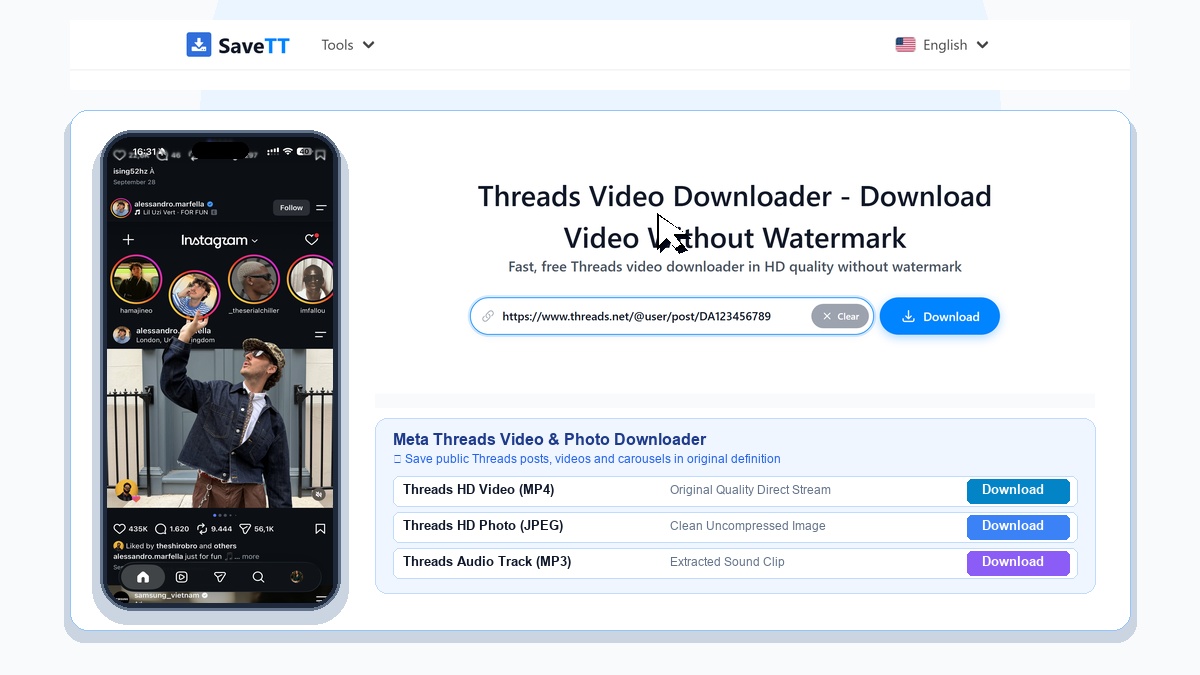
Threads has emerged as a vibrant text and media sharing community. Many creators share insightful video discussions, news summaries, and entertaining moments. With our specialized threads downloader, you can download threads post media in original resolution.
Every threads video download hd matches the finest bitrate served by Meta's infrastructure. Whether a post features a single clip or a photo gallery, SaveTT processes it cleanly.
Three Easy Steps to Save Threads Media
- Copy the link: Open the Threads app or website, locate the post, tap the three dots, and click Copy Link.
- Paste on SaveTT: Visit SaveTT in Safari, Chrome, or Edge and paste the link into the download box above.
- Save your file: Hit Download, select your preferred video or photo format, and save the content to your device.
Saving Threads Videos Directly to iPhone Camera Roll
On Apple iOS devices using Safari, downloaded videos land in the Files app by default. To save the file directly to your Photos camera roll, open the downloaded file in Safari, tap the Share icon, and select Save Video.
Real Service Limitations
We maintain full transparency regarding technical capabilities:
- Public Posts Only: SaveTT can only access media from public Threads accounts. Content from private accounts cannot be retrieved.
- Deleted Posts: If a creator has removed a post or Threads has taken it down, our system cannot recover the file.
- Source Quality Dependent: Output quality matches the original upload resolution. Low-resolution clips cannot be upscaled to 4K.
User Privacy and Zero Data Retention
We do not archive downloaded media files on our servers. Furthermore, SaveTT never logs personal download records. Learn more by reading our Privacy Policy and About Us page.
Explore More SaveTT Download Tools
SaveTT offers a complete lineup of online downloaders. Save video clips using our TikTok Video Downloader and extract audio tracks with our TikTok MP3 Downloader. You can also grab temporary clips with our TikTok Story Downloader. We also support Chinese content via Douyin Downloader and media via Instagram Downloader.