TikTok is where viral music trends, spoken-word audio, language lessons, and podcast highlights often start. When you only need the sound track from a clip to listen offline, using the TikTok to MP3 Downloader on SaveTT lets you save the audio file directly in your browser without downloading the full video stream.
When Is Saving TikTok Audio as MP3 Useful?
- Offline Listening on Commutes: Save educational talks, interviews, or commentary tracks as lightweight audio files that take up minimal phone storage.
- Studying Viral Audio Trends: Content creators can save trending audio clips for reference when planning timing and transitions for upcoming videos.
- Custom Ringtones and Alarms: An extracted MP3 file can be imported into mobile ringtone makers on Android or GarageBand on iPhone.
3 Steps to Download TikTok Audio as MP3
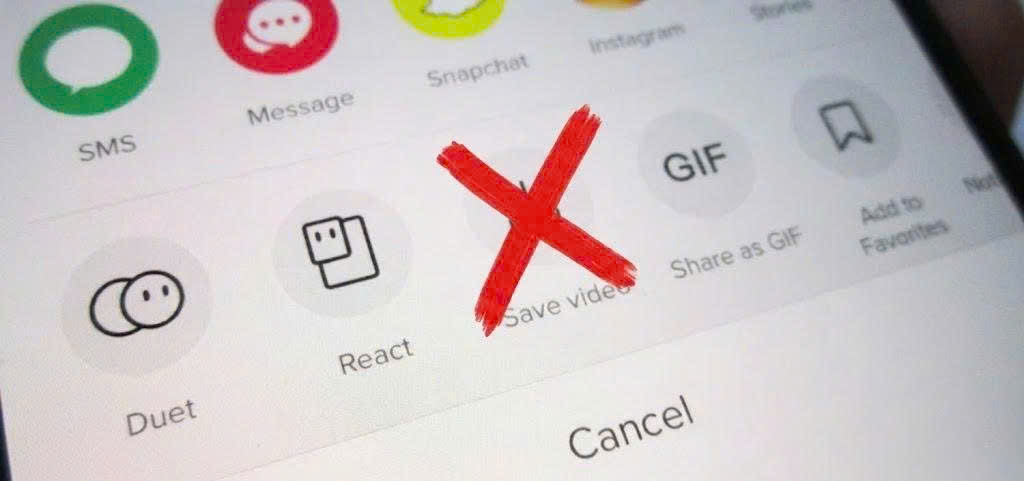
- Copy the TikTok Video URL: Open the TikTok app or website, tap Share on the public video containing the audio you want, and select Copy Link.
- Paste the URL into SaveTT: Open the SaveTT TikTok MP3 Downloader, paste the link into the input field, and click Download.
- Save the Audio File: Click the Download MP3 option to store the audio track directly in your device Downloads folder.
Device Compatibility and Fair Use
The SaveTT MP3 tool runs in Safari on iOS, Chrome on Android, and all desktop browsers on Windows and Mac without requiring account registration. Always respect the original artist and creator rights by using downloaded audio tracks for personal offline listening and fair-use reference.