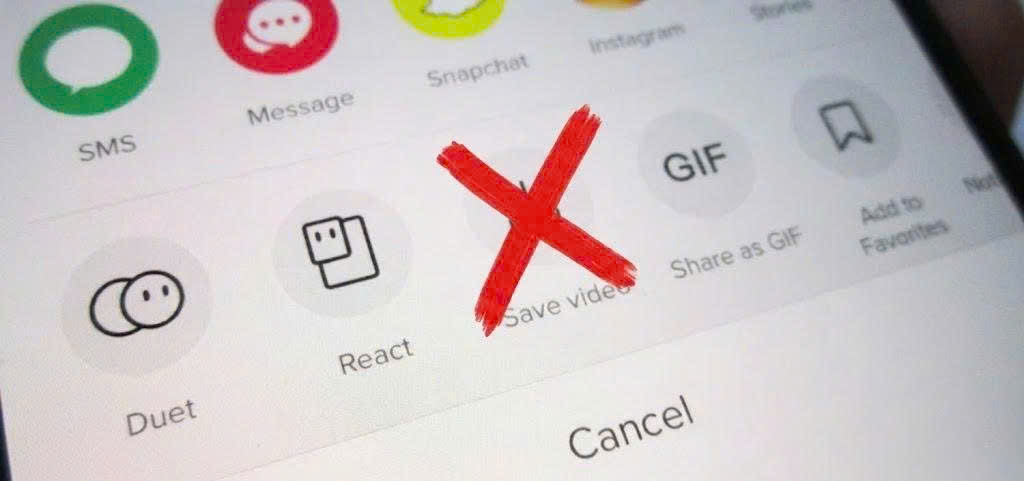
Douyin, the Chinese counterpart to TikTok, hosts millions of creative short videos, tutorials, and editing trends that never appear on the international feed. If you want to save a Douyin clip to watch offline on your phone or computer, our Douyin Video Downloader on SaveTT lets you fetch the MP4 file directly in your web browser by link without installing extra apps or logging in.
How Douyin Video Links Work
When you tap the Share button inside the Douyin mobile app (`v.douyin.com`), the app copies a short text string containing both the video title and a shortened URL. SaveTT automatically detects and extracts the valid Douyin URL from that share string and retrieves the available MP4 video stream and audio track.
Step-by-Step Guide to Downloading Douyin Videos on Any Device
- Copy the Douyin Share Link: Open the Douyin app or website, locate the public video you want to save, tap the Share arrow icon, and tap the Copy Link button.
- Open SaveTT Douyin Downloader: Visit SaveTT Douyin Downloader in Safari, Chrome, Edge, or Firefox on your smartphone or desktop computer.
- Paste the Link and Download: Paste the copied Douyin link into the search box and press Download. Choose your preferred MP4 video option or MP3 audio option to save the file to your device.
Saving Douyin Videos on iPhone, Android, and PC
On iPhone and iPad (iOS Safari)
Open SaveTT in Safari, paste the Douyin URL, and tap Download. Once the MP4 file finishes downloading into the Safari Downloads menu, open it in the Files app, tap Share, and select Save Video to move it to your iPhone Photos library.
On Android Smartphones
Open Chrome on your Android phone, paste the Douyin link into SaveTT, and tap the download button. The MP4 clip will be stored in your Downloads folder and appear automatically in your phone Gallery.
On Windows PC and Mac
Copy the video link from the web version of Douyin, paste it into SaveTT on your desktop browser, and save the MP4 file directly to your computer Downloads folder for offline playback.