TikTok Stories allow creators to share quick daily updates that vanish automatically after 24 hours. If you come across a helpful tutorial, behind-the-scenes clip, or memorable moment in a public TikTok Story, you can use the TikTok Story Downloader on SaveTT to save an MP4 copy to your device before the 24-hour window closes.
Why Save TikTok Stories Before They Expire?
- Keep Clips Past the 24-Hour Limit: Once 24 hours pass, a TikTok Story disappears from the creator profile. Saving the MP4 file lets you keep a local copy for offline viewing.
- Cleaner Than Mobile Screen Recording: Screen recording on a phone captures the progress bar, username header, and reply box. Downloading by link saves the clean video frame directly.
- Archive Your Own Published Stories: Creators can quickly back up their vertical 9:16 Story clips to repurpose across other short-video platforms.
How to Download a TikTok Story in 3 Simple Steps
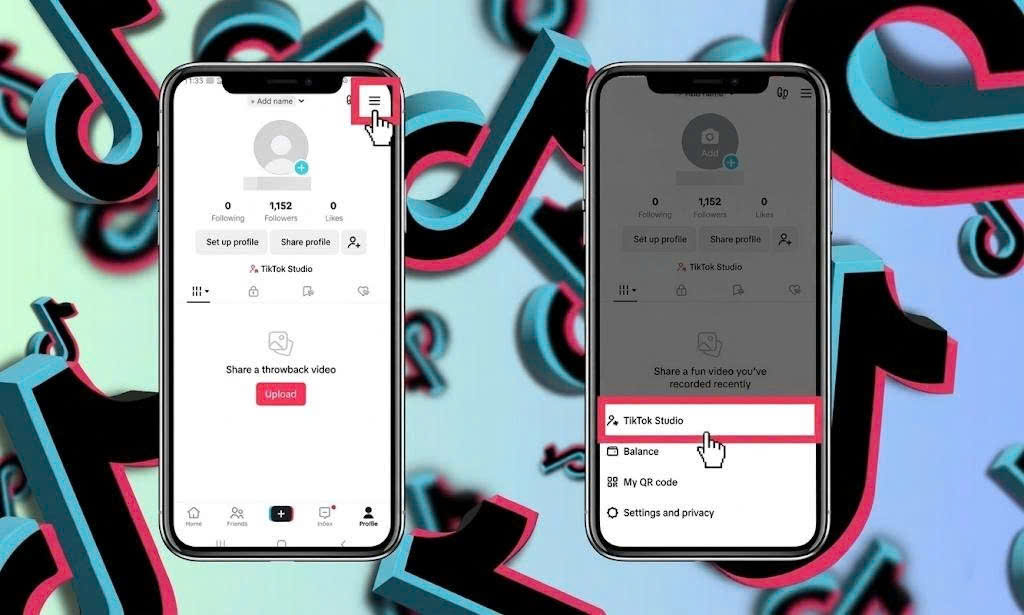
- Copy the Story Link: Open TikTok, tap the public Story you want to save, tap the Share icon, and select Copy Link.
- Paste into SaveTT: Open the SaveTT TikTok Story Downloader in your browser, paste the copied URL into the input box, and press Download.
- Save the MP4 File: Select your preferred video quality option (or extract the sound using our TikTok MP3 tool) to save the file to your phone or computer.
Tips for iPhone (iOS Safari) and Android Users
On Android devices, downloaded Story videos go straight into your Downloads folder and Gallery app. On iPhone and iPad, use the Safari browser to download the MP4 file, open it from the Safari Downloads icon inside the Files app, tap Share, and tap Save Video to add it to your Camera Roll.